Smart AC Controller: Remote AC Control and Energy Savings Made Simple
Air conditioning is essential for comfort—whether at home, in a hostel, a café, a school, or a corporate office. But with comfort comes rising electricity bills and the daily hassle of managing AC usage across multiple rooms or properties.
You may have asked yourself:
- How do I control my AC remotely?
- How can I make my existing AC smart without replacing it?
- How do I reduce AC energy costs without compromising comfort?
That’s where a Smart AC Controller comes in. Also called a smart thermostat for AC, this compact device upgrades your regular AC with Wi-Fi control, automation, scheduling, and voice commands.
This guide explains how it works, the problems it solves, and practical tips to save energy while improving comfort.
The Problem with Traditional AC Use
Most people still operate their ACs manually, which often leads to energy waste and uneven comfort. In offices, hostels, schools, and homes, the problem multiplies:
- Manual errors – ACs left on in empty rooms
- No visibility – Hard to track which AC is running where
- Scheduling gaps – Forgetting to adjust timings
- Fragmented control – Multiple remotes and habits
👉 The result? High bills, frustrated occupants, and little control.
What a Smart AC Controller Does
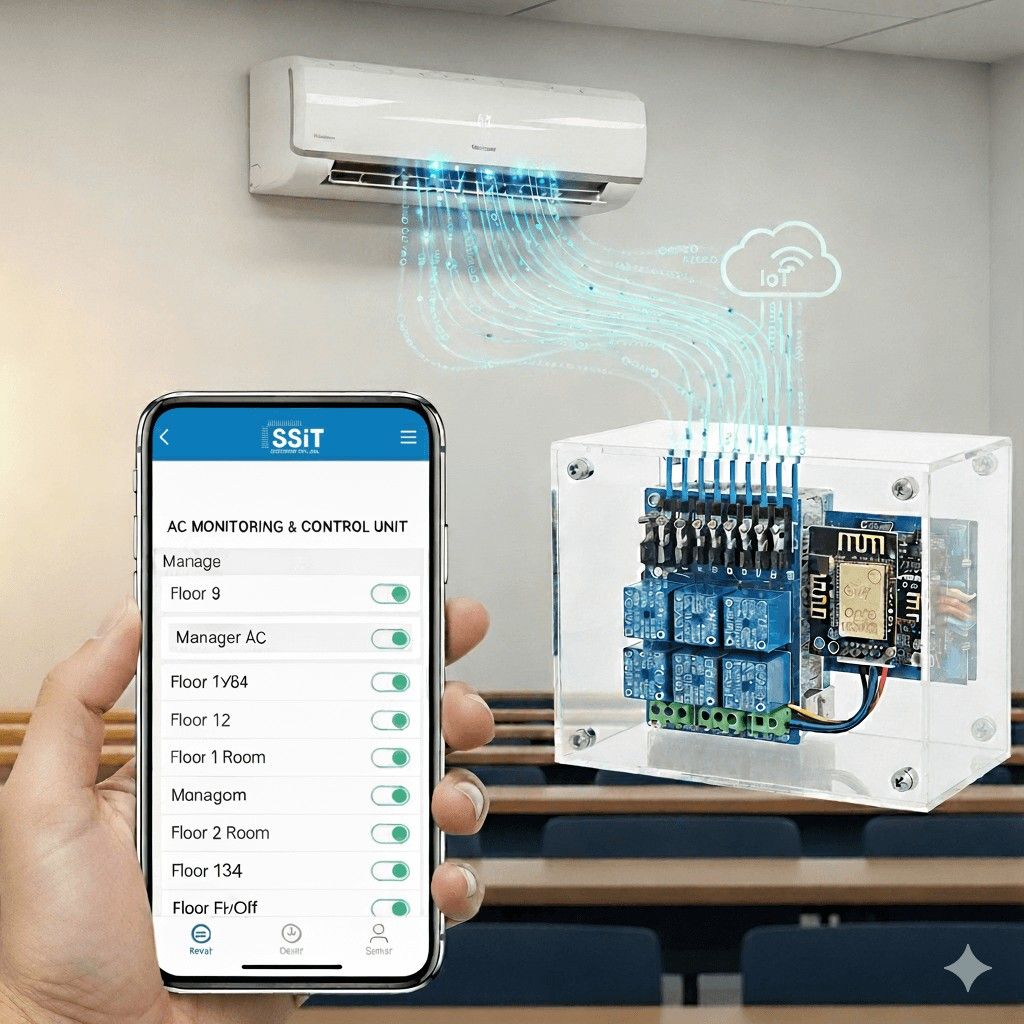
A Smart AC Controller connects your split, window, or portable AC to Wi-Fi, turning your smartphone into a smart AC remote. Beyond convenience, it enables automation and energy monitoring.
Key features include:
- Remote AC control via app
- Smart scheduling (weekday/weekend, seasonal, or event-based)
- Geo-fencing (turns off when you leave, pre-cools when you return)
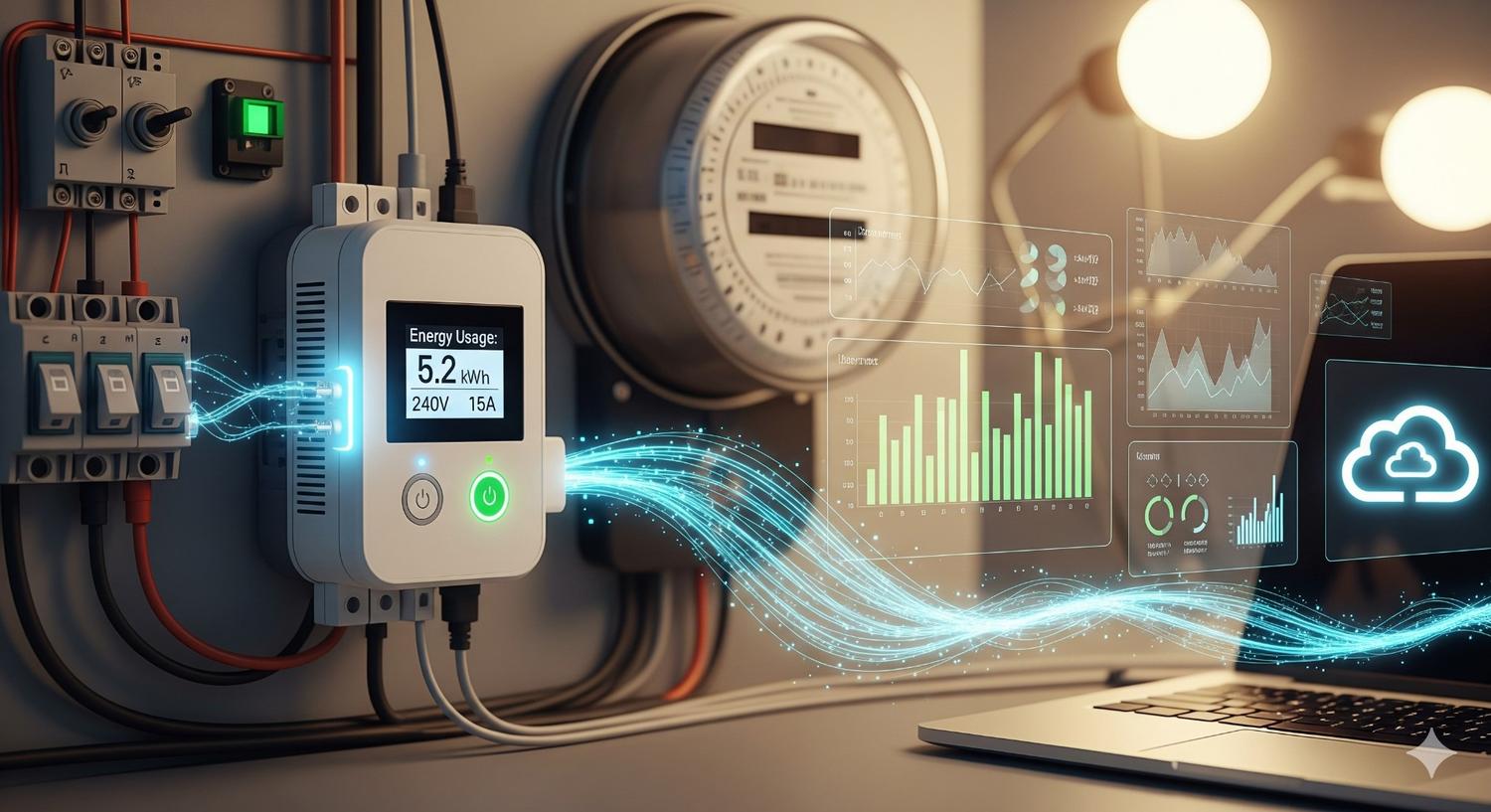
- Energy monitoring with usage reports
- Voice control via Alexa, Google Home, or HomeKit
- Easy app-guided setup
- Sensors for accurate temperature regulation
👉 In short, it bridges the gap between a traditional AC and a smart AC system.
Who Benefits the Most?
🏢 Corporate Offices
- 9–6 cooling, with setback to 26–27°C after hours
- Geo-fencing for keyholders
- Energy reports by zone
🏠 PGs and Hostels
- Night schedules (9 pm–6 am) with moderate setpoints
- Remote control for wardens/staff
- Common-area ACs only when occupied
🏫 Schools and Institutions
- Pre-cool labs or halls before class
- Exam-time comfort settings
- Usage audits for administrators
🏨 Hotels and Cafés
- Pre-set rooms before check-in, auto-off at checkout
- Housekeeping with time-limited cooling
- Geo-fencing for café off-peak hours
🏡 Households
- Pre-sleep cooling routines
- Geo-fencing when leaving or returning
- Voice control for added convenience
Choosing the Right Smart AC Setup
Different AC types need slightly different controller features:
- Split ACs → Look for IR compatibility + scheduling
- Window ACs → Choose controllers that can learn your remote’s signals
- Portable ACs → Ensure clear line-of-sight for IR signals
- Mini-splits → Pick advanced controllers with sensors and schedules
👉 For multi-room or multi-branch setups, choose a model with centralized dashboards and admin roles.
Step-by-Step Setup Checklist
- Survey your AC units and locations
- Place controllers with line-of-sight to AC IR receivers
- Connect devices to Wi-Fi via the app
- Define standard schedules (weekday, weekend, seasonal)
- Set policies (min/max temperature, auto-off windows)
- Enable geo-fencing
- Monitor energy reports and fine-tune
Tips to Cut AC Costs Without Complaints
- Start at 25–26°C and adjust with sensors
- Stagger AC start times to avoid load spikes
- Use night setbacks after midnight
- Keep doors and curtains closed
- Clean filters monthly for efficiency
Key Features to Look For
When choosing a smart AC controller, ensure it includes:
- Reliable Wi-Fi control with cloud/local fallback
- Voice assistant integration
- Multi-user geo-fencing
- Flexible scheduling with exceptions
- Energy monitoring & reports
- Admin roles for institutions
- On-device sensors & display
- Compatibility with major AC brands
Real-World Scenarios
- Exam Hall (200 seats): Pre-cool before exams, auto-off after
- Hostel (16 rooms): Night schedules, lounge AC only when occupied
- Hotel (30 rooms): Reception-controlled AC for check-in/out
Quick FAQ
Q: How can I control my AC remotely?
A: Install a Wi-Fi AC controller and use the mobile app or voice assistant.
Q: How do I save on AC bills?
A: Use smart scheduling, geo-fencing, efficient setpoints, and regular filter cleaning.
Q: How do I make my existing AC smart?
A: Add a smart AC controller instead of replacing the AC unit.
Q: What if I manage multiple rooms?
A: Choose controllers with dashboards and admin access.
When to Consider a Smart AC Controller
If your AC units are still in good condition, replacing them with costly smart models is not necessary.
A controller delivers Wi-Fi control, automation, and energy efficiency at a fraction of the price—ideal for split and window ACs.
Key Takeaways
- A smart AC controller upgrades existing ACs with remote control and automation
- Combining IoT technology + smart policies reduces waste
- Suitable for offices, hostels, schools, hotels, cafés, and homes
Conclusion
You don’t need new AC systems to enjoy smart comfort and lower bills. With the right smart AC controller, you can:
✔ Automate schedules
✔ Control units remotely
✔ Monitor energy use
✔ Use voice assistants
👉 Start small, optimize, and scale across your spaces. Even small changes in AC management can bring big energy savings.